Identify the source and the device as separate interfaces
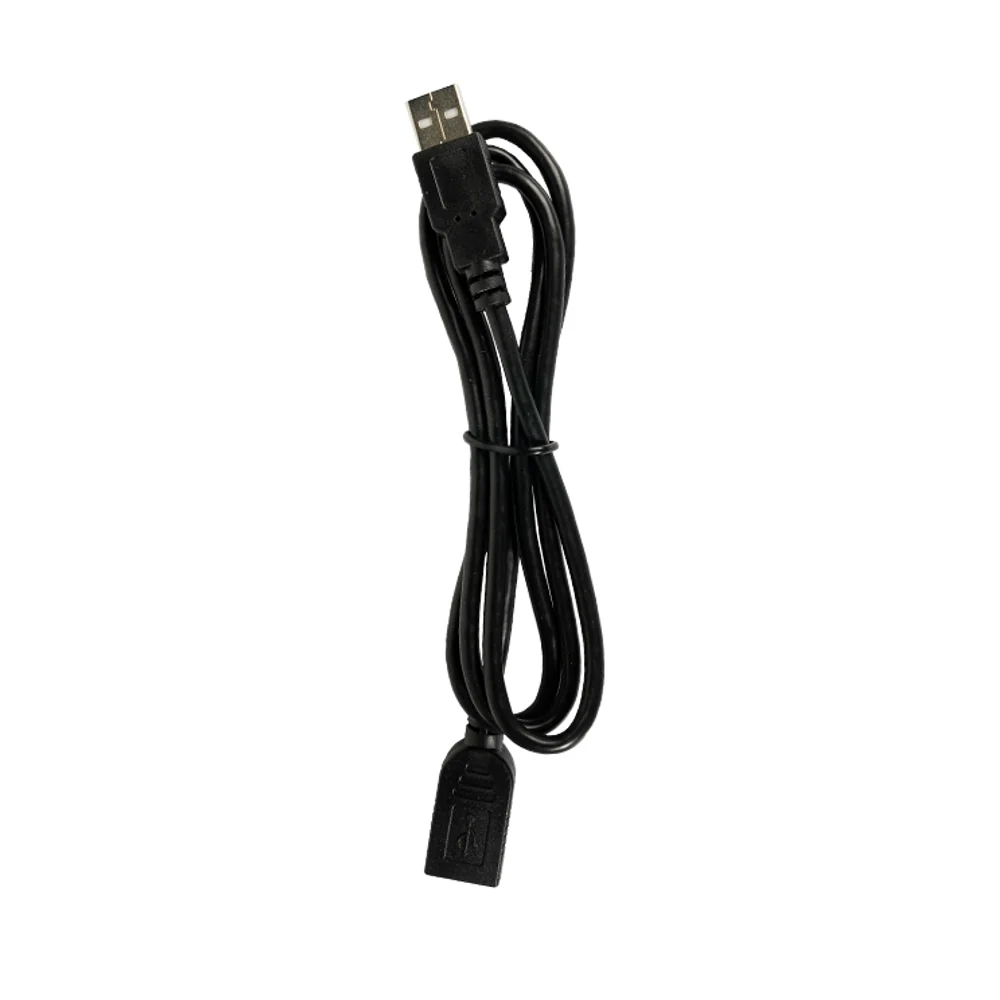
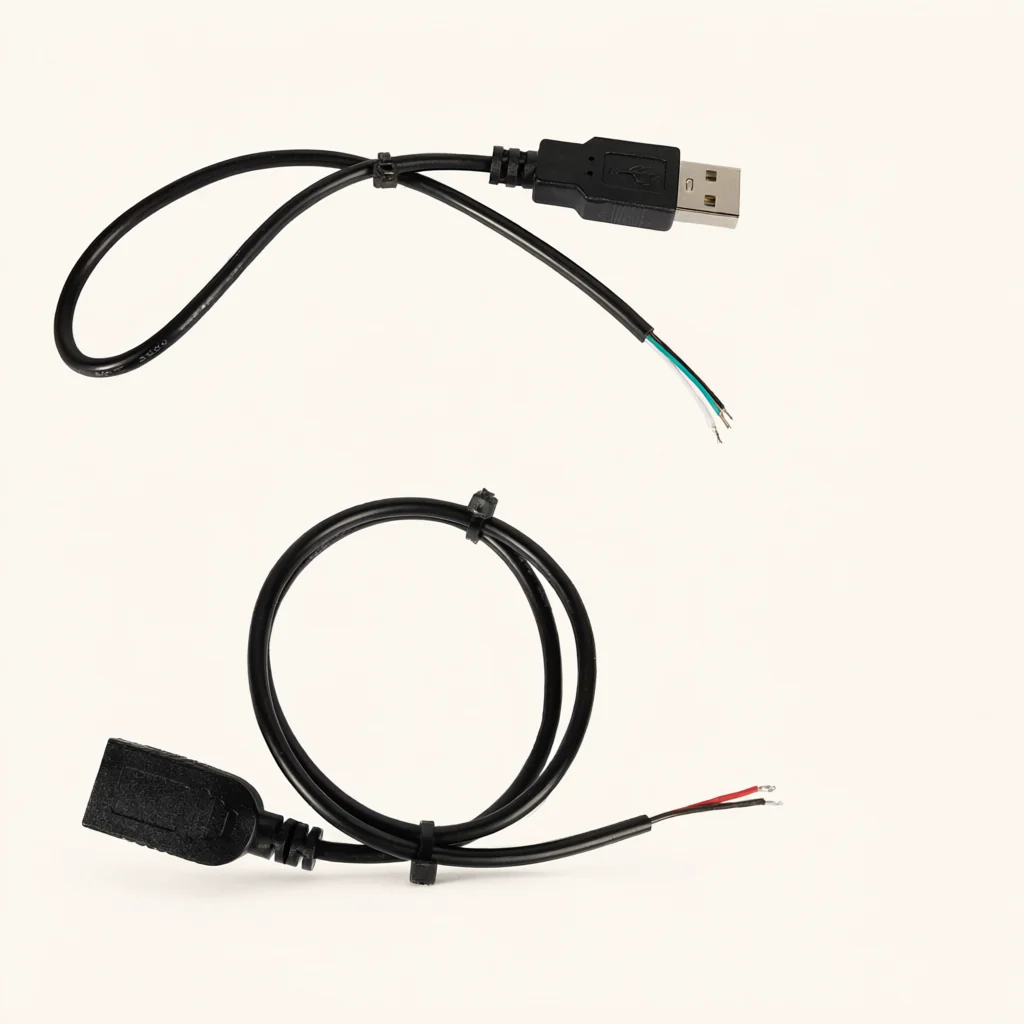
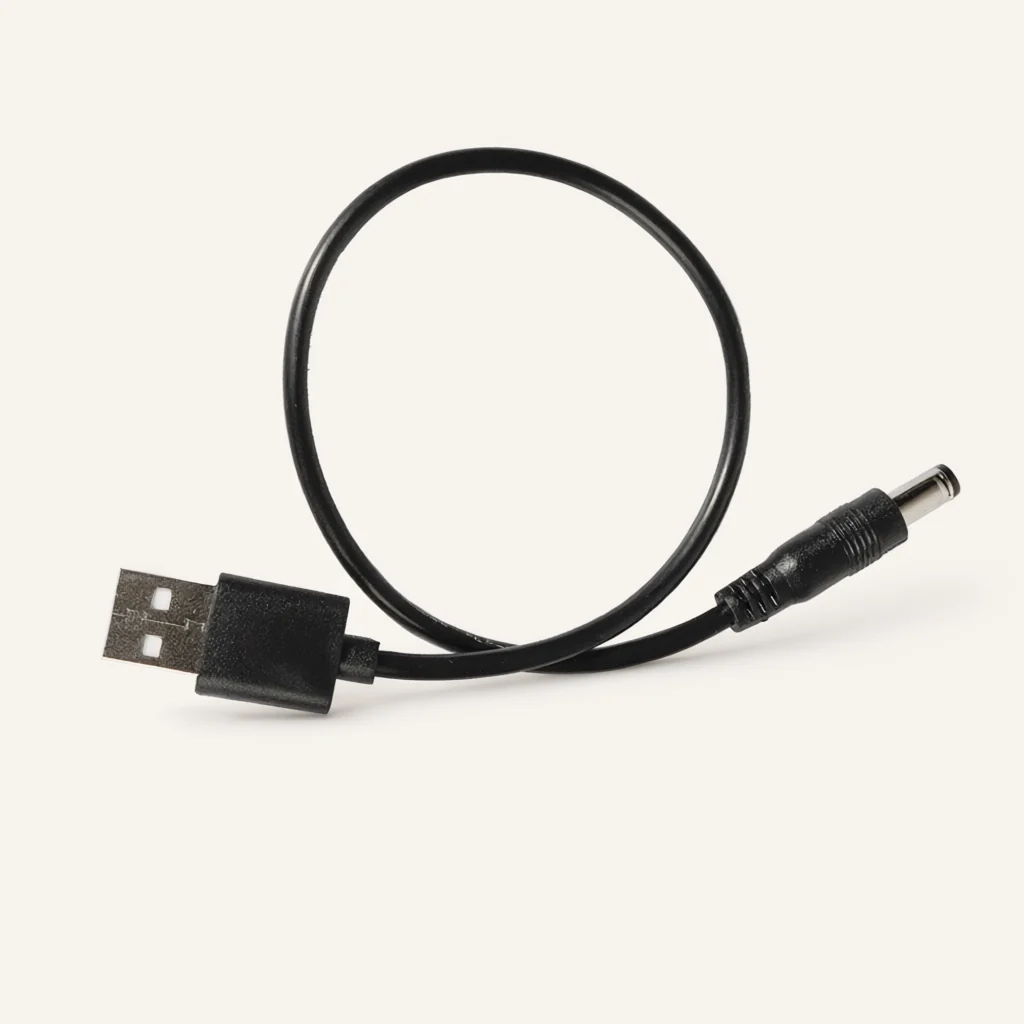
Draw the cable between the source connection and the receiving equipment. Label the USB end and the DC end, then add the relevant equipment or component references beside them. This is a more precise request than describing the cable only by the device it is intended to power.
For the USB side, provide a clear view of the intended mating connection and the equipment documentation relevant to your request. For the DC side, provide the socket reference, drawing or measured requirements supplied by the equipment owner. Do not ask the supplier to establish those requirements from the general appearance of the device.
Keep the cable itself visible as a separate item in the purchasing description. If the project also includes a source unit or a receiving device, identify which items belong in the enquiry and which are supplied by your own team. This helps establish what needs to be quoted and what will be used to evaluate a proposed cable.
Specify the DC connection with an interface drawing
For the DC end, ask the equipment owner to provide the dimensions and mating details that define the required interface. Include the socket part reference if one is available. Mark the insertion direction and show the surrounding enclosure so that the request describes the complete physical connection, not just a connector photographed from the side.
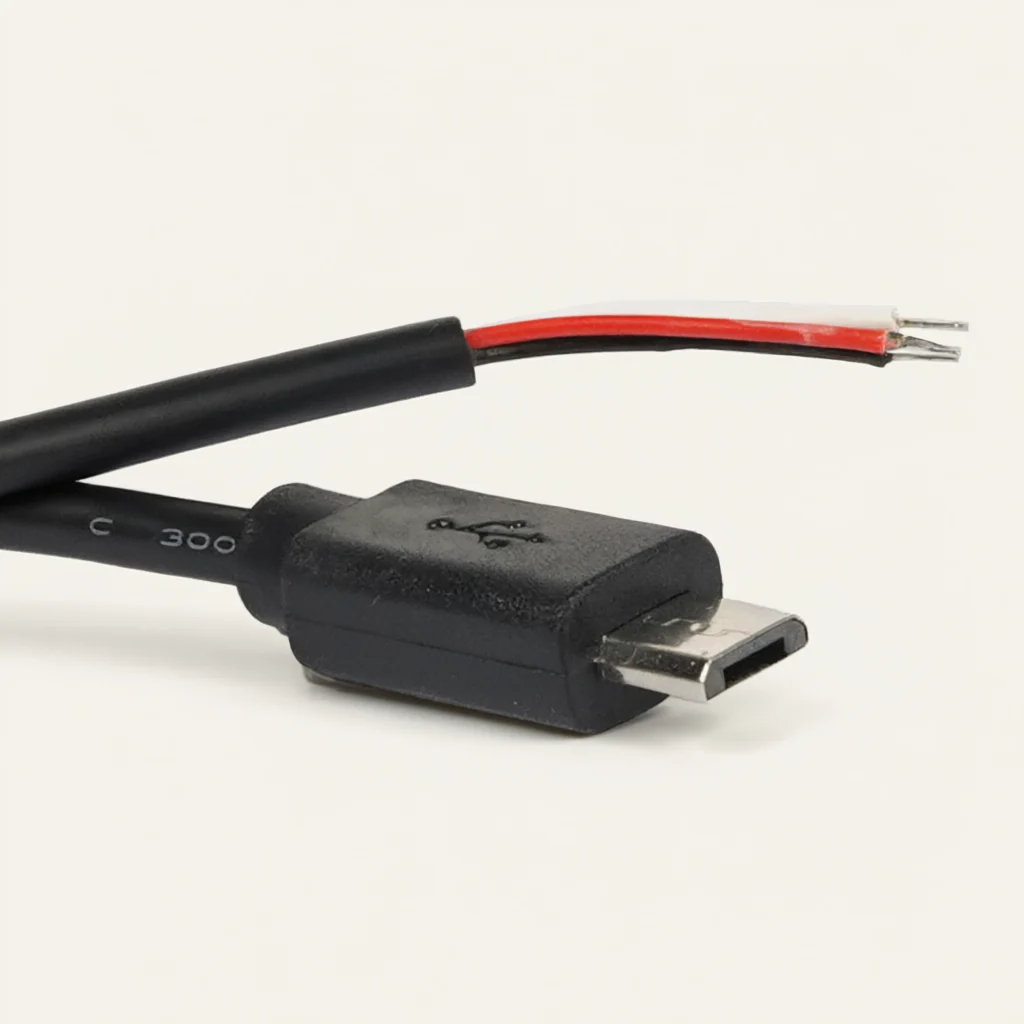
When matching an existing cable, use photographs as supporting information. Include a view of the contact face and a view showing how the connector sits in the equipment. Keep any dimensioned reference separate from an unscaled photograph. Ask for the proposed DC connector to be confirmed against the actual interface requirements.
If your project uses more than one DC connection, give each version a separate line item. Do not combine them under a description such as 'USB power lead' and expect a color difference to carry the entire distinction. The selected DC interface should remain part of the drawing, part reference and quotation discussion.
Where the equipment uses a recessed socket, include a side view of that recess and identify any surrounding cover that affects access. Ask for the complete connector body to be considered against the available space. Keep this physical-fit request separate from the circuit assignment so that both questions receive an explicit response.
Put the circuit requirements in writing
Ask the person responsible for the receiving equipment to define the required circuit assignment and polarity. Place that information on the drawing rather than leaving it in a conversation about the connector's appearance. State which connection is expected at each contact and identify the viewing direction used by the drawing.
Provide the source-side and device-side requirements as requirements for review. If your application expects a particular supply condition or a function beyond a direct connection, describe it explicitly and ask how it will be addressed. A request for a USB-to-DC cable should not leave such questions to interpretation.
For a replacement project, confirm whether the old cable arrangement is being reproduced without change. If the source equipment or the receiving device has changed, say so in the enquiry. Keep the intended operating setup and its requirements attached to the same cable revision so that a physical match is not mistaken for a complete application approval.
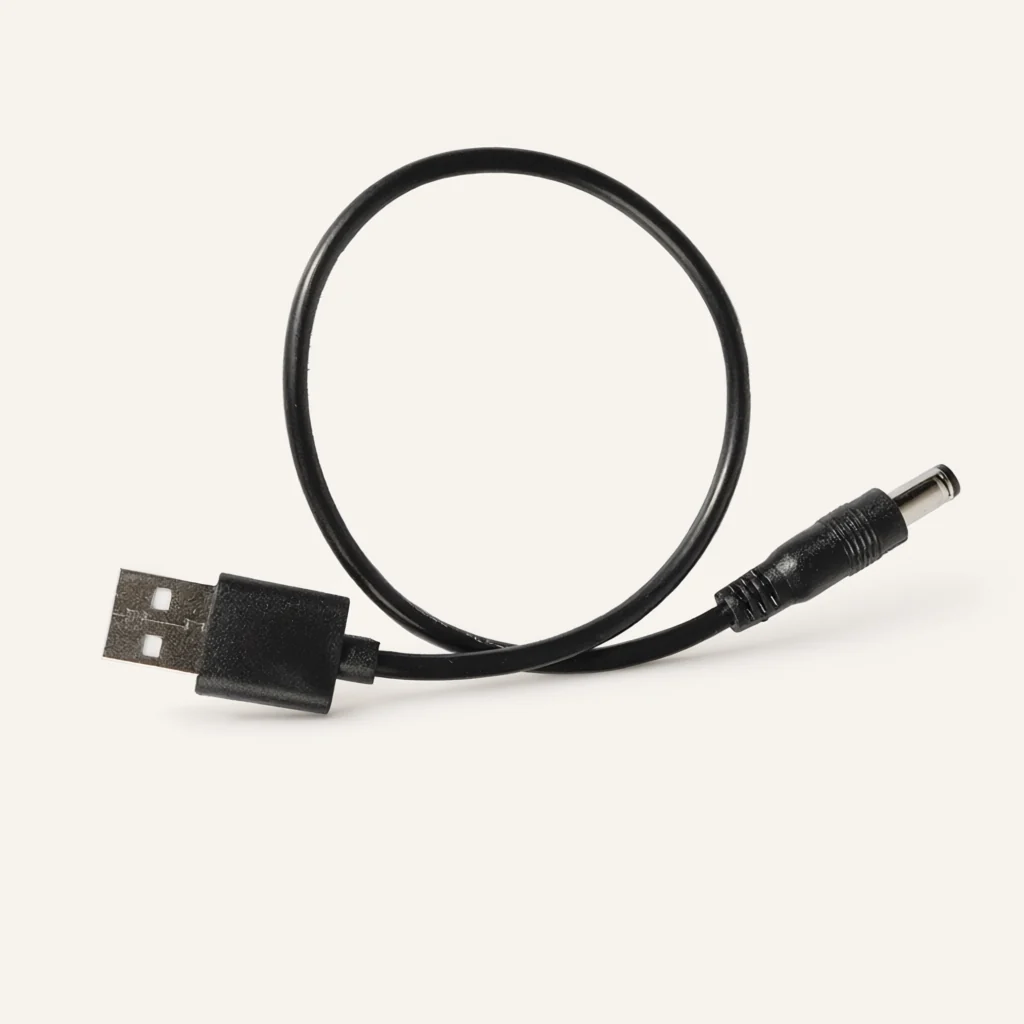
Choose a route and a length for the actual installation
Cable length can be customized for this series. Show the path the cable is intended to follow between the USB connection and the DC socket. Include the route around the equipment rather than measuring only the straight-line distance between the two points.
Identify the measurement references on the drawing. State how you want the length represented and ask for that convention to be confirmed. If a cable must be handled while a cover is open or while an item is being moved into position, show that condition too. Treat working space as a requirement to review rather than an unrecorded allowance.
Avoid using a photograph of a coiled cable as evidence of the length needed by your installation. The useful question is where the two ends must reach when the equipment is arranged as intended. Give the sample reviewer that layout and ask for comments on the route, connector access and the amount of cable left at each connection.
Select the color, jacket and packing arrangement
Black and white are listed colors for the USB-to-DC cable series, and color customization is available. PVC is listed as a jacket material. The stated customization scope also includes cable length, jacket material and packaging. Put the chosen combination beside the end-interface requirements in the same enquiry.
If appearance matters to the finished product, include the visual reference your team wants to use for approval. Explain whether the cable will be visible beside the equipment or placed inside another assembly. Ask for the requested appearance to be considered with the actual connector configuration, rather than approving a color independently of the cable.
For packing, describe how the cable should be identified when it reaches your team. If several device versions are being supplied, request a packing proposal that keeps their references clear. Record the quantity basis and labeling information your business needs. Commercial quantities and packing arrangements should be discussed for the actual order.
Evaluate the sample with the intended pair of devices
Prepare a sample review that uses the source and receiving equipment named in the request. Start by comparing the physical cable with the drawing: USB end, DC end, length references, color and the proposed route. Note any difference that requires clarification before your team moves on to functional evaluation.
The equipment owner should define the checks needed for the intended use. Record the setup and the requirements being evaluated. If the cable is being considered for several equipment versions, keep the observations for each version separate. A review of one setup should not silently become approval for every device on a purchasing list.
When an issue is found, describe what was observed and which requirement it relates to. Include a marked photograph or drawing where useful. Ask for the proposed response to identify the affected feature, and retain the approved parts of the specification. This gives the next sample discussion a specific question to resolve.
Separate similar power leads in your purchasing list
Use the product range to organize the different connection requests in your project. For this item, keep 'USB male to DC male' in the description and add your own interface reference. If another cable serves a different connection, give it its own record rather than treating a similar jacket color as evidence that it is interchangeable.
For repeat enquiries, supply the current drawing and the reference of the previously reviewed configuration. Ask your team to identify any change in the source unit, receiving device, route or packing requirement. A change at either end belongs in the discussion even when the cable's external appearance is intended to remain similar.
Keep the approved connection schedule available to purchasing and assembly. If a supplier response proposes a different feature, identify it as a proposal for review rather than folding it into the existing part description without discussion. This keeps the commercial conversation aligned with the connection your equipment requires.
Send a complete USB-to-DC enquiry
Huajunxin is a wire and cable manufacturer integrating production, research and development, and sales. An enquiry for this cable should include the USB and DC interface references, required circuit assignment, requested length and quantity. Add the preferred color, jacket and packaging arrangement, together with the intended source and receiving equipment.
Use the contact page to send a concise description and a drawing link. If the supporting documents are better sent directly, use email. The form does not include an attachment upload, so include a working link rather than referring to a file that has not been sent.
List the points that still need agreement. Ask about the proposed configuration, sample arrangements, quotation and delivery planning for your request. Where several device variants are involved, number the drawings and list the quantities separately. A clear enquiry allows the next response to focus on the connection details instead of reconstructing the project from a general product name.
Frequently asked questions
Which end arrangement is identified for this product?
The product is identified as a USB male-to-DC male power cable. Your enquiry should specify the intended mating interfaces at both ends, particularly the DC socket details. Include a drawing or component reference and the circuit requirements supplied by the equipment owner. The product name establishes the general arrangement; the purchasing specification should define the exact connection required by your equipment.
Can the cable length be customized?
Yes. Custom length is included in the product information. Show the installed route and identify the references used for your requested length. If access is needed during installation or service, include that condition on the layout. Ask for the proposed cable length to be confirmed together with the USB and DC connector arrangement rather than treating it as a separate accessory choice.
Are black and white cables listed?
Black and white are listed color options, and color customization is available. PVC is listed as a jacket material. Length, color, jacket material and packaging can be discussed as customization items. Provide any appearance reference used by your team and keep it with the interface drawing so that the requested combination is clear throughout the enquiry.
Does the connector name establish the required supply behavior?
Describe the supply requirements of your source and receiving equipment explicitly. Ask the equipment owner to provide the circuit assignment, polarity and conditions that need review. Do not use the USB-to-DC name alone as the complete functional specification. Include any additional behavior your application expects in the enquiry and seek confirmation for the proposed cable configuration.