Choose the connector form at the product boundary
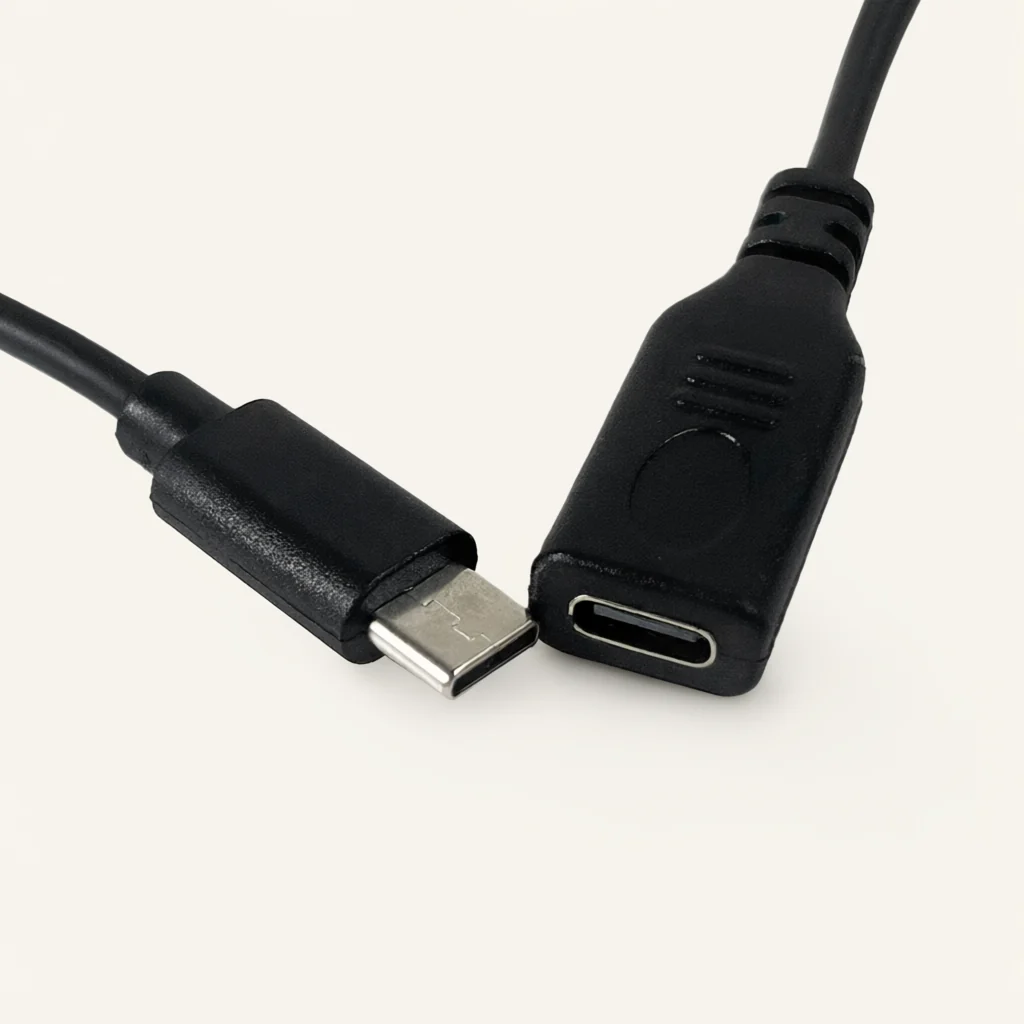
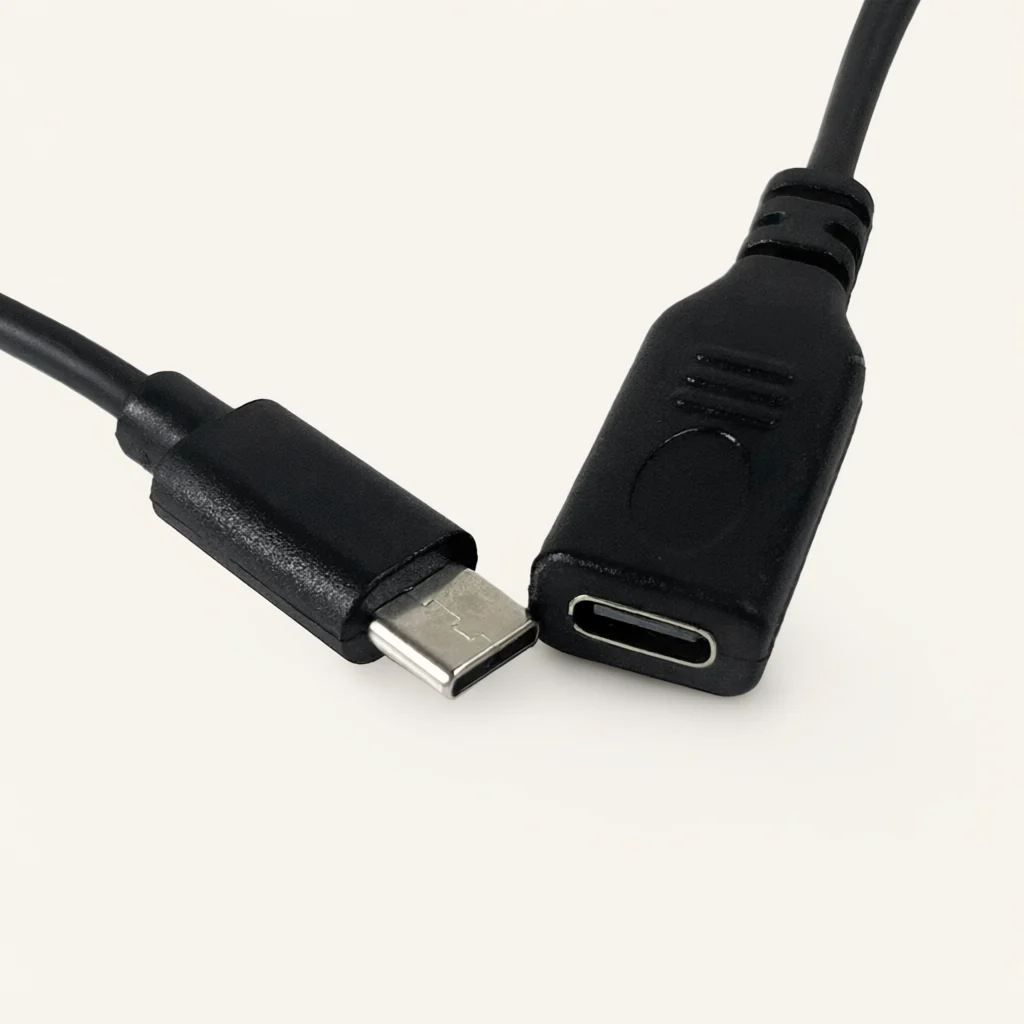
Decide where the lead sits in relation to your product's external connection. Does your design require a male connector to meet another interface, or a female connector to receive the mating part? Put the answer in the drawing title and on the corresponding purchasing line. The Type-C series includes both forms, so the enquiry should identify the chosen form rather than leave the decision to a photograph.
Show the connector face and its surrounding housing in the intended position. If the connector will sit behind a product opening, include the opening and any cover used in the final assembly. If the lead will remain outside the housing, mark the direction in which you want it to leave the connector.
For a product range with more than one arrangement, use a separate drawing for each. A shared series name can help organize the enquiry, but the individual part description should identify the connector form and the assembly that will receive its other end.
Write a functional request beside the connector drawing
Prepare a short statement of what the connection must do in your product. Ask the equipment owner to list the required functions and the setup in which they will be used. Keep this statement separate from the drawing of the connector body, and include both in the enquiry.
If your project has several operating modes, describe the modes that the proposed cable needs to support. Name the equipment at the other end and provide the relevant requirements from your design documentation. Ask which points need further review before a cable configuration can be agreed. Do not substitute a broad phrase such as 'full function' for the actual request.
During sample planning, identify who will review the physical fit and who will review the required operation. They may need different information. Record their questions against the same drawing revision so that a change to the connector placement or assembly connection is not reviewed separately from its intended use.
Define the internal connection and viewing direction
For the assembly end, provide a connection schedule prepared by the person responsible for your circuit. Identify each required destination and state the viewing direction used for the connector reference. Keep the labels consistent between the schedule, the cable drawing and the receiving assembly.
Describe the supplied-end preparation you want as an enquiry requirement. Show where the lead will join the product and which component or process your design uses at that point. Ask for the proposed supply condition to be confirmed before your team treats the lead as ready for assembly.
If the receiving board or subassembly changes, check the connection schedule again rather than carrying it forward by name alone. Keep earlier revisions out of the current enquiry folder, or mark them clearly as background references. Where your team is comparing two possible internal connections, request them as separate proposals so that the differences remain visible during sample review.
Give length a clear measurement convention
The Type-C series lists 30 cm, 50 cm, 100 cm and 200 cm lengths, alongside custom lengths. Select the requested length using a layout of your product. Mark the connector location, the route and the assembly-end destination, then identify the references between which the length is to be checked.
Ask the assembly team whether the lead must reach a particular position before the housing is closed. If a component is installed in stages, show the relevant positions on the layout. Include the working access your process requests rather than relying on an unexplained allowance added to the nominal dimension.
When reviewing a sample, compare it with the measurement convention in the request. Keep the cable's installed path separate from the way it is arranged for measurement. If your team changes the route, update the layout and say whether the requested overall length is also changing. That makes the next discussion about a defined revision rather than a general request for a longer lead.
Select color and jacket for a defined configuration
Black and white are listed for the series, and color customization is available. PVC is a listed jacket material. The customization scope includes length, color, jacket material and packaging. State the preferred combination with the selected male or female connector form, rather than requesting each feature in a separate message.
For a visible connection, provide the appearance reference your product team wants to use. Ask for the connector body and the cable appearance to be considered together in the sample review. If the lead is internal, explain any identification requirements used by your assembly instructions instead.
A sample appearance record should say which parts of the sample are being accepted. If the team is reviewing only the color at that stage, keep the other open questions on the record. Do not allow an approval email about appearance to be treated as approval of every detail of the cable or of its intended operation.
Prepare a practical sample review sequence
Start the review with the selected connector form and the drawing revision. Check the sample against the proposed product opening, the nearby components and the planned lead route. Ask the reviewer to record observations at those specific locations instead of relying on a general impression of fit.
Next, compare the assembly end with the connection schedule and the agreed supplied condition. Keep any question about preparation or identification separate from a question about overall length. Clear categories make it easier to describe a requested change without reopening every aspect of the proposal.
The equipment owner should then evaluate the required operation using the intended setup. Record the setup and any outstanding questions. If more than one product version is involved, identify which version was reviewed. Keep the sample reference available with the drawing so that a later purchasing decision can be traced to the actual configuration your team considered.
Keep male and female versions separate through purchasing
If your product family requires both male and female Type-C leads, give them distinct internal references. Keep the shared requirements easy to compare, but retain separate connection schedules and quantities. A single purchasing description should not require the receiving team to decide which version belongs to which assembly.
Use the product range to organize related cable enquiries. When comparing a Type-C lead with another connector family, begin with the interface required by your equipment, not with the similarity of the jacket or the available color. Record the selected connector form in the parts list used by purchasing.
For repeat requests, send the current drawing link and identify any changed feature. Include packaging changes as well as product changes. If the approved sample remains the reference, name it and ask that any proposed difference be made explicit in the response. This keeps a repeat enquiry tied to a known configuration while leaving room to review a new requirement.
Send the request as a complete connector-lead proposal
Huajunxin is a wire and cable manufacturer integrating production, research and development, and sales. For a Type-C single-ended lead, provide the connector form, intended mating interface, assembly-end schedule, requested length and quantity. Add the required function, preferred appearance and packing requirements to the same enquiry.
Use the contact page to send a concise description with a drawing link, or send the documents by email. The contact form does not include an attachment-upload step. Check that the drawing link opens the revision you intend to discuss and that any referenced connection schedule is available with it.
Ask for a response that identifies the proposed configuration and the points still requiring agreement. Discuss samples, pricing and delivery planning for that request. If some requirements remain provisional, label them so that a preliminary conversation is not mistaken for an order specification. The goal is to make the next technical and purchasing decisions explicit.
If your project includes both male and female leads, ask for the quotation to identify each one separately. Place the intended assembly location beside each item and include its own drawing reference. Give your technical reviewer a place to record the proposed configuration for each line. Before approving the quotation, compare those entries with the current bill of materials and resolve any question about which lead belongs at which location. Keep the resulting item references in your purchasing records.
Frequently asked questions
Are male and female single-ended versions listed?
Yes. The Type-C series lists male and female single-ended connectors. Specify the selected form for each part reference and show the mating interface. Include the internal assembly connection separately. When both forms are needed, request them as distinct line items so that their drawings, quantities and sample reviews remain easy to identify.
Which lengths and colors are available for discussion?
Listed lengths are 30 cm, 50 cm, 100 cm and 200 cm, with custom lengths available. Black and white are listed colors, and color customization is available. Include the preferred combination in the drawing or enquiry. Ask for the proposed configuration to be confirmed for the selected connector form and assembly-end requirements.
How should I specify charging or data requirements?
Provide the actual functions and operating setup required by your equipment. Ask the equipment owner to supply the relevant requirements and identify what needs to be checked on a sample. Keep that information alongside the connector and connection-schedule drawings. A connector name or an appearance reference should not be the only description of the function you expect.
What should the drawing package contain?
Include the connector form, mating-interface reference, viewing direction, internal connection schedule and length measurement references. Add the enclosure layout where access or routing matters. A separate note can describe appearance and packing preferences. Send a working drawing link through the contact form or provide the documents by email, with the current revision clearly identified.